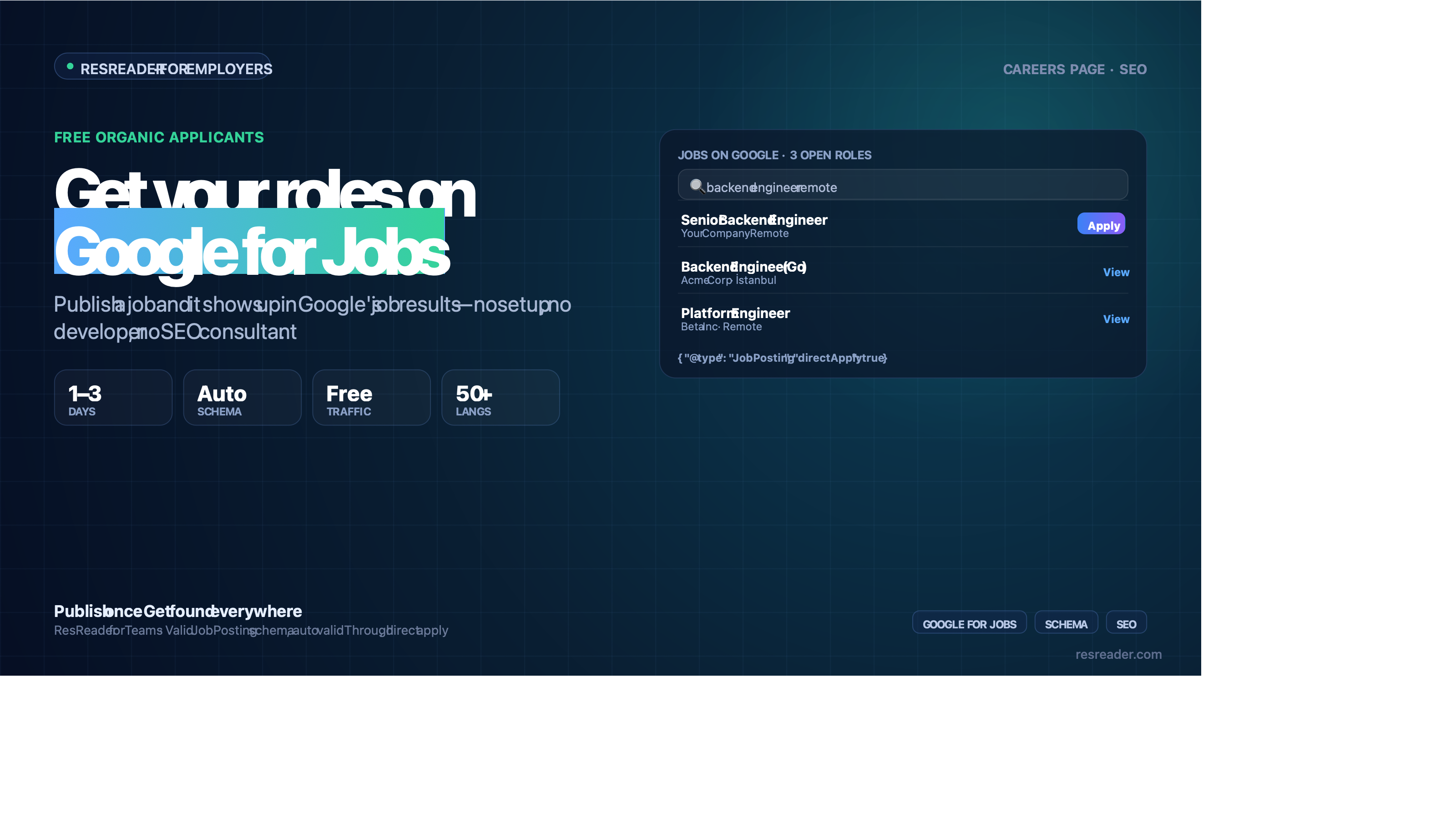
Quick answer: Google for Jobs is completely free, but it isn't a place you "post" to. Google crawls the web and surfaces any job page that carries valid JobPosting structured data (JSON-LD) with the required fields — title, company, location, description, post date, and an expiry date. Get the schema right and your roles appear in Google's job widget within a few days; get it wrong or omit it and you're invisible. ResReader emits that schema automatically on every hosted job page, so your listings qualify without an SEO consultant.
If you've ever searched a job title on Google and seen the boxed "Jobs" widget at the top of the results, that's Google for Jobs. It aggregates listings from company career sites, Indeed, LinkedIn, and others into one search experience. For a small or mid-sized employer, it's one of the highest-intent free distribution channels that exists — candidates searching there are actively looking.
The catch is technical, and it's where most teams fall down.
Google for Jobs is free — but it's not a job board
You don't log into Google and upload a role. Google's crawler reads your job pages, looks for JobPosting structured data, and — if the markup is valid — makes the listing eligible for the jobs widget. There's no paid tier, no premium placement, and no way to bid for visibility. The "cost" is entirely in having technically correct, crawlable job pages.
That means two things have to be true:
- Your job lives on a public, server-rendered URL Google can crawl.
- That page emits valid
JobPostingJSON-LD with all the fields Google requires.
Miss either and you simply don't appear — no error, no warning, just absence.
What Google actually requires on a job page
Per Google's structured-data guidelines, a JobPosting should include:
title— the job title (not the page title)description— the full HTML descriptionhiringOrganization— company name (and ideally logo + site)jobLocation— or a remote-work flagdatePosted— when it went livevalidThrough— an expiry date (this one matters more than people think)employmentType— full-time, part-time, contractor, etc.
The most common silent failure is a missing validThrough date. Google penalises postings with no expiry — it assumes they're stale "always open" listings and downranks them. A role that's technically live but undated often just doesn't surface.
How ResReader handles this automatically
Every workspace on ResReader gets a public, server-rendered careers page, and every published role gets its own crawlable URL:
- Careers page:
resreader.com/[locale]/[businessId] - Each job:
resreader.com/[locale]/[businessId]/[jobId]
Both render on the server (so Google sees real content, not an empty JavaScript shell), and each job page emits a complete JobPosting JSON-LD block with:
title,description,hiringOrganization(name, site, logo),jobLocation,employmentTypedatePostedset automaticallyvalidThroughauto-set to 60 days after the post date — so you never trip the "no expiry" penaltydirectApply: true, signalling candidates can apply directly
You don't touch any of it. Publish a job, and the schema, the sitemap, and the indexing are handled for you. In practice, roles tend to appear in Google's job widget within roughly 24–72 hours of publishing, once Google recrawls.
A 4-step checklist to actually show up
- Publish the role on a crawlable page. On ResReader this is automatic; on a custom site, make sure the page is server-rendered and not blocked in
robots.txt. - Confirm the schema validates. Paste the job URL into Google's Rich Results Test. You want
JobPostingdetected with no missing-required-field errors. - Make sure
validThroughis set. If you're rolling your own, add an expiry. On ResReader it defaults to 60 days out. - Write a real description. Google reads it, and so do candidates. Specific, structured descriptions get better matches — and feed more accurate AI screening on the back end.
Why this pairs with AI screening
Free distribution has a side effect: more applicants. Getting a role onto Google for Jobs can meaningfully increase volume, which is great until someone has to read 300 resumes. That's the half ResReader was built for — every applicant who comes through the careers page is scored against the job automatically, so wider distribution doesn't turn into a bigger manual pile.
Honest limits
- ResReader handles the schema and hosting; it can't force Google to index a given role or guarantee placement — ranking in the jobs widget still depends on Google's relevance signals and recrawl timing.
- If you run jobs on your own site instead of the hosted careers page, you're responsible for the JSON-LD there. This guide tells you what it needs to contain.
Try it
Publish a role on ResReader's free plan (75 AI scans/month, no credit card), open the hosted careers page, and run the job URL through Google's Rich Results Test to see the valid JobPosting schema for yourself. Start free.
FAQ
Is Google for Jobs free?
Yes — entirely. There's no paid tier or premium placement. The only requirement is a crawlable job page with valid JobPosting structured data.
Do I post jobs directly to Google for Jobs? No. Google crawls your job pages and surfaces those with valid structured data. You publish on your site (or a hosted careers page); Google aggregates it.
Why aren't my jobs showing up on Google for Jobs?
The most common causes are missing or invalid JobPosting JSON-LD, a missing validThrough (expiry) date, or a page Google can't crawl (client-rendered or blocked in robots.txt).
How long until a job appears? Typically a few days after publishing, once Google recrawls — often within 24–72 hours, though Google controls the timing.
Does ResReader add the structured data for me?
Yes. Every hosted job page emits a complete JobPosting JSON-LD block automatically, including an auto-set validThrough 60 days out and directApply: true.